ManualThe app for guests
The app for guests
The marketplace: find restaurants, scan at the table, order, follow along and collect stamps. Only the stamp card needs an account.
What it is
The guest side of the app shows restaurants nearby, walks through the order, follows its progress and collects the stamps on the stamp card.
It needs an account only for the stamp card. Browsing, favouriting, ordering and tracking work without one. A marketplace that demands an account before it shows a single restaurant is a marketplace nobody opens twice.
Whether a restaurant appears in the nearby search is up to them, with a switch under Brand and presence. Somebody who is not listed is still reachable: through their link and through the QR code on the table.
The five tabs
There are five tabs along the bottom and they are the same for everybody: Discover, Favourites, Basket, Orders, Account.
The basket carries the number of items. It has a tab of its own and does not hide behind a floating button on the restaurant page: that number is how a guest notices they still have four things from twenty minutes ago.
Whether somebody has an account changes exactly one of these five screens, namely the account. Everything else looks the same, and that is precisely why signing up never becomes a wall.
Discover
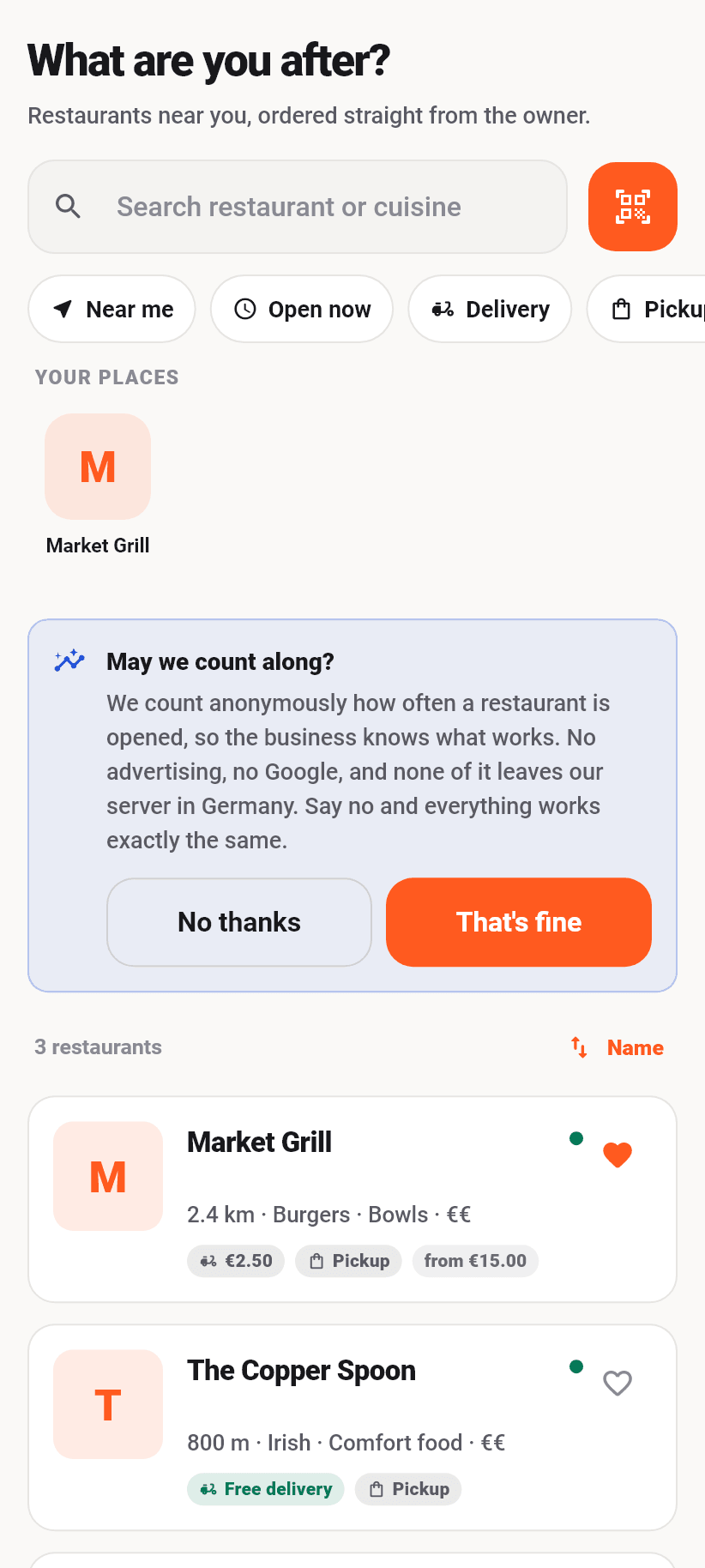
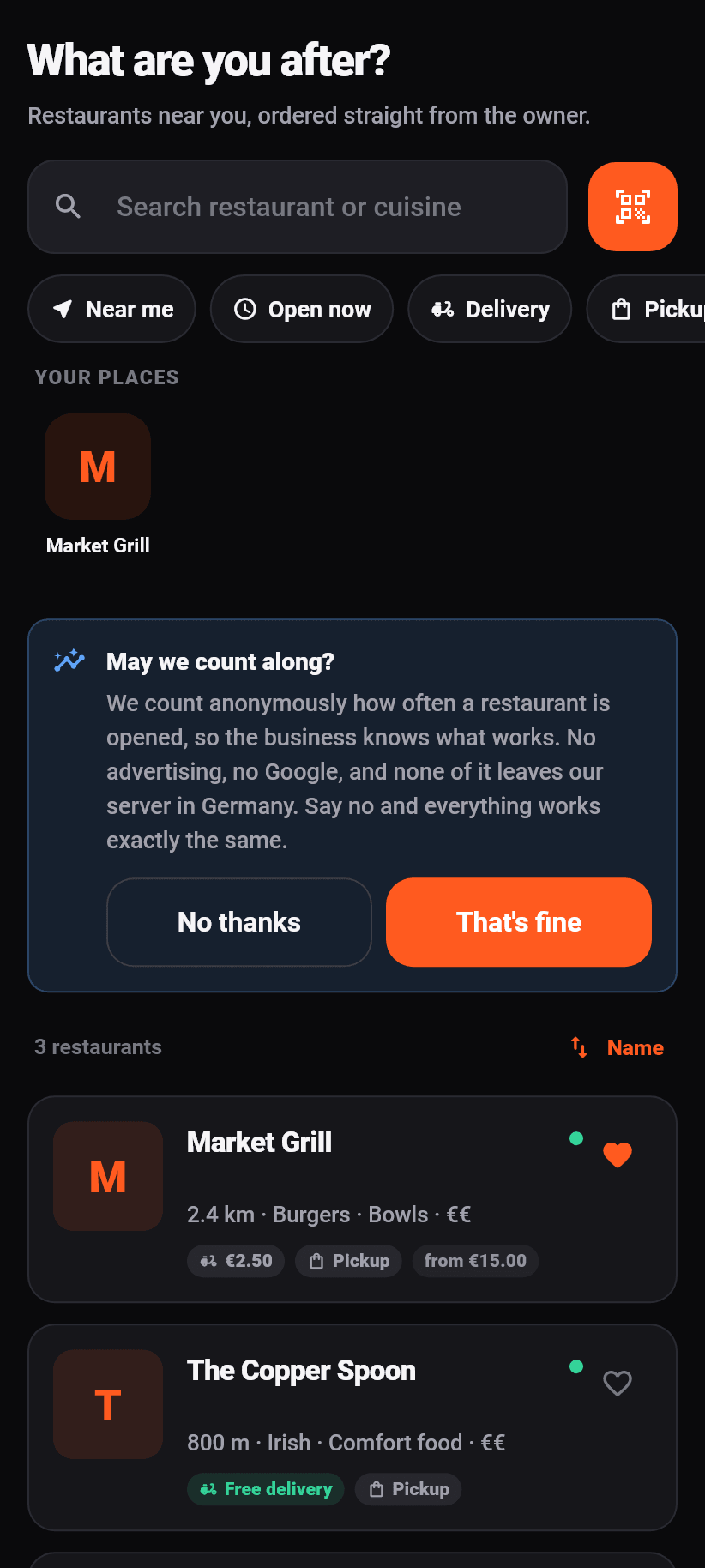
At the top a search across restaurant names and cuisines, beside it a button for the QR scanner. Below them filters: nearby, open now, delivery, pickup. Anybody who has ordered before finds their places above that under “Your places”.
Sorting works by distance, favourites first, delivery fee or name. The last order chosen is remembered, so that somebody who always wants the cheapest delivery is not choosing it again on every visit.
⚠️ The app asks for your location only when you tap “nearby”, never on first launch. A permission prompt before the app has shown anything is the one most people deny, and a denied permission is much harder to get back than a deferred one. Without a location the list is alphabetical and complete, not empty.
Every card carries the name, the cuisines, the distance, whether it is open right now, the ordering channels, the delivery fee and the minimum order. The heart on it needs no account.
Scanning the code on the table
The scanner opens the camera and looks for the QR code on the table stand. On a hit you land straight in that restaurant's menu, with the table already selected.
It is that table which makes an order a table order, for the server and for the kitchen. While it is set it sits at the top of the restaurant page, and “Leave table” takes it away again.
⚠️ Only addresses on our own ordering page are followed. A QR code is a sticker anybody can print and put on a table; a scanner that opens any address turns every restaurant table into an attack surface, with our app doing the redirect. If the code says anything else, the app says exactly that and does nothing.
Whether the scanned table really belongs to this restaurant and whether table ordering is switched on there at all is checked again afterwards by the server.
The restaurant page
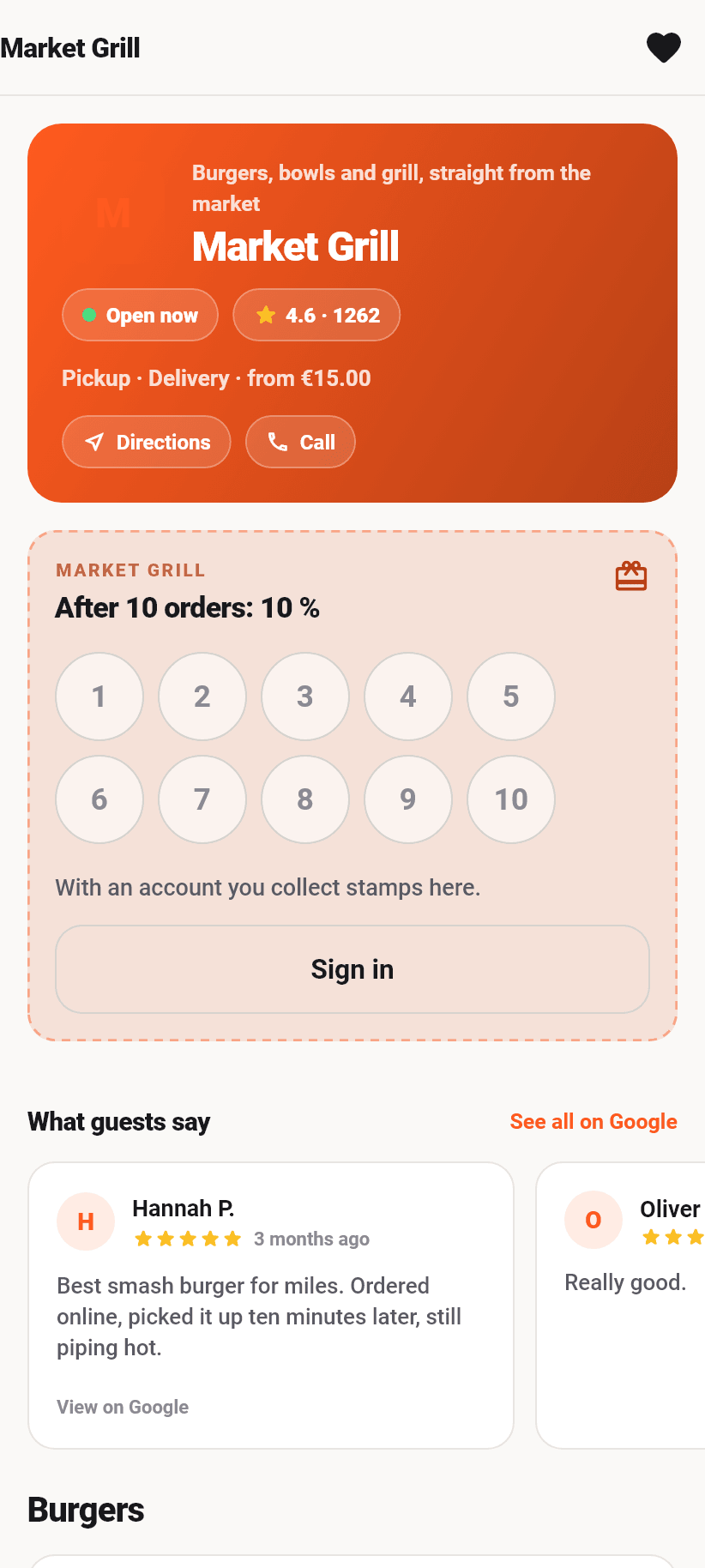
It carries the restaurant's colour and logo, not our orange. A shop window belongs to the shop; our brand belongs in the frame around it, not on the “add to basket” button.
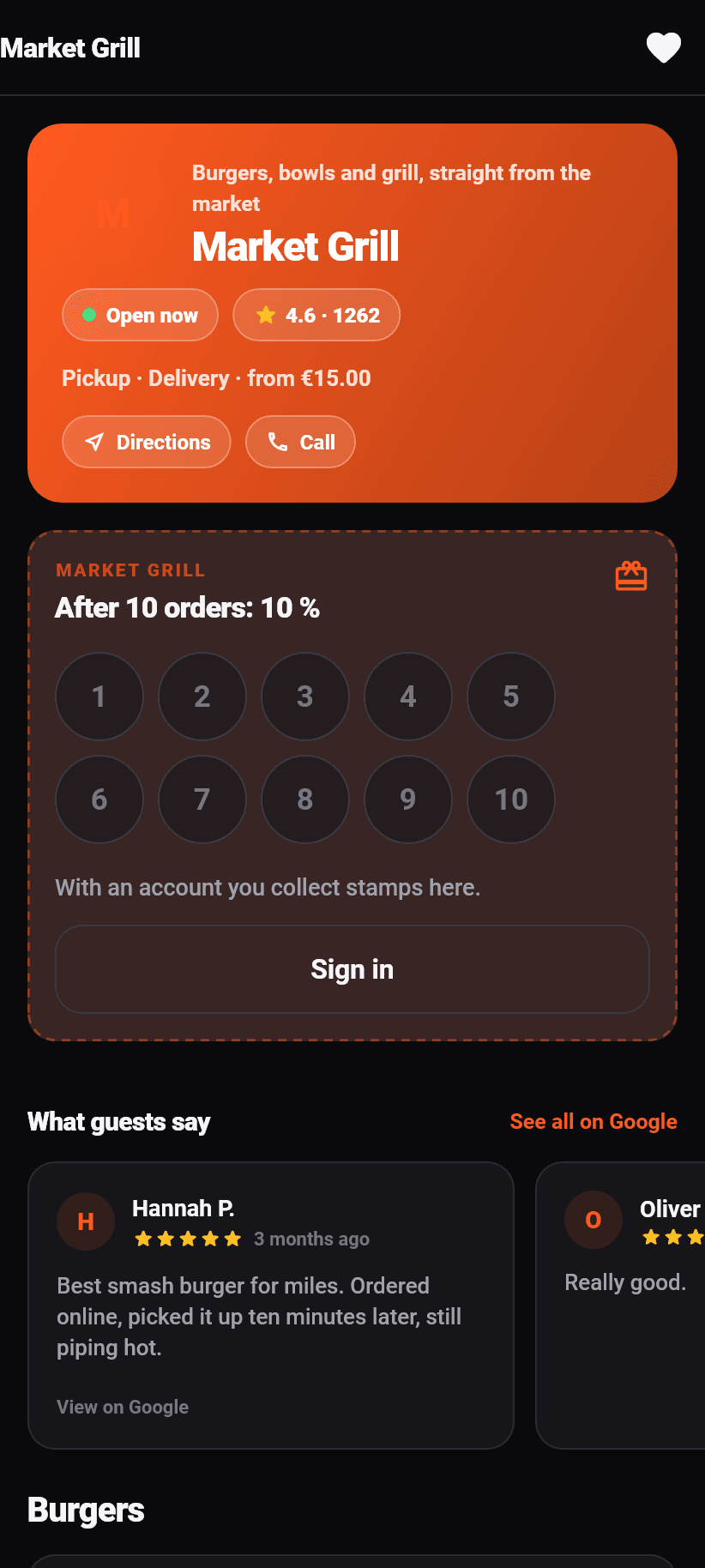
At the top, whether it is open right now, along with the Google rating and the number of reviews, the ordering channels, the minimum order and a button each for route and call. If it is closed the page says so and still lets you read the menu; if the restaurant allows pre-orders you can order even then and pick a time.
Below that, if the restaurant offers one, the stamp card, then guest voices from Google, then the menu. Above the menu are category chips that travel with the scroll: the chip whose section is on screen lights up, and a tap jumps there.
At the bottom the price note: all prices include VAT.
A dish into the basket
Dishes with no choices go into the basket with a plus straight on the card. A drink should not open a sheet across half the screen and cost three taps.
Dishes with options open a sheet from the bottom. In it are the required groups and the optional ones with their limits (“choose one”, “choose up to three”), the allergens written out again, the quantity, and at the very bottom a button carrying the price of the current selection.
Every dish shows its price and its allergens. If something is sold out it says so and cannot be put into the basket.
The basket
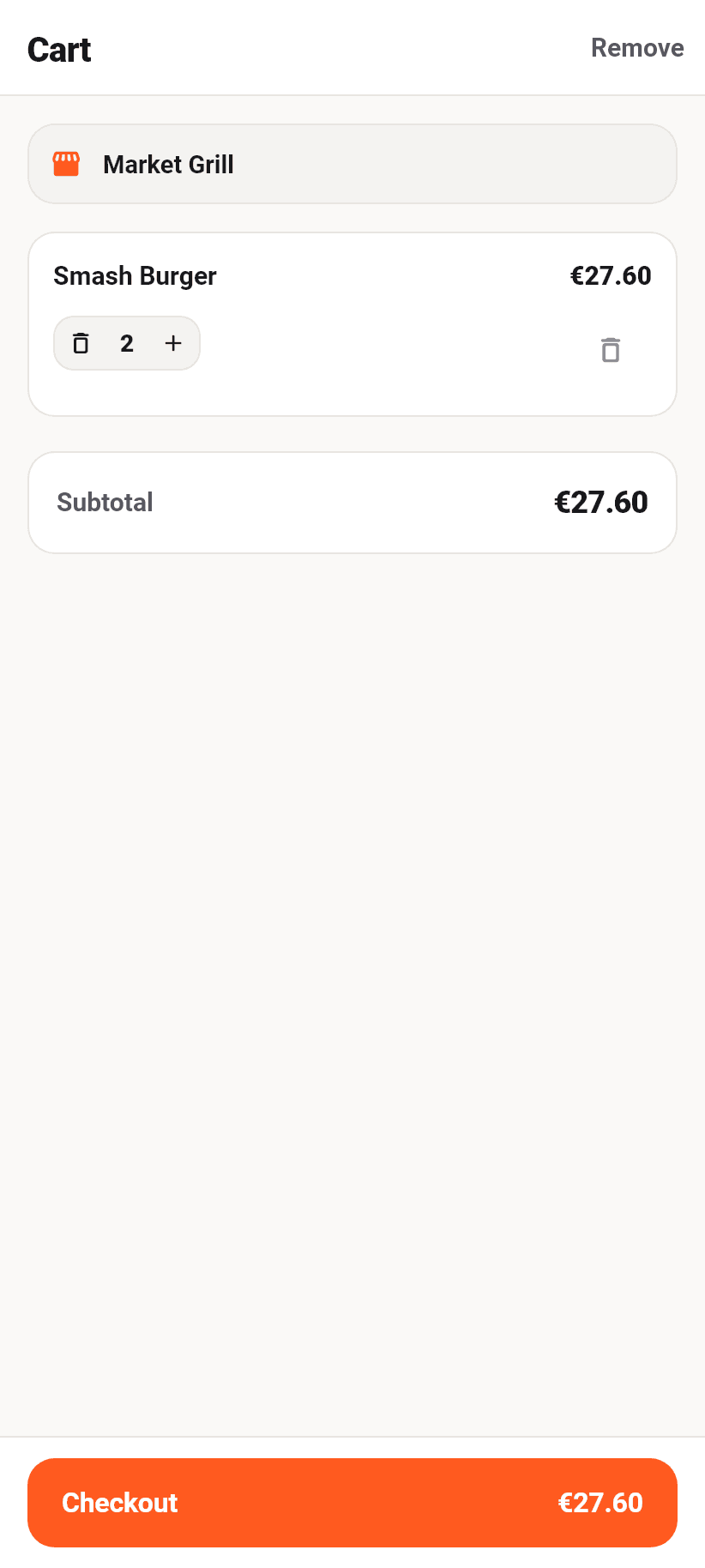
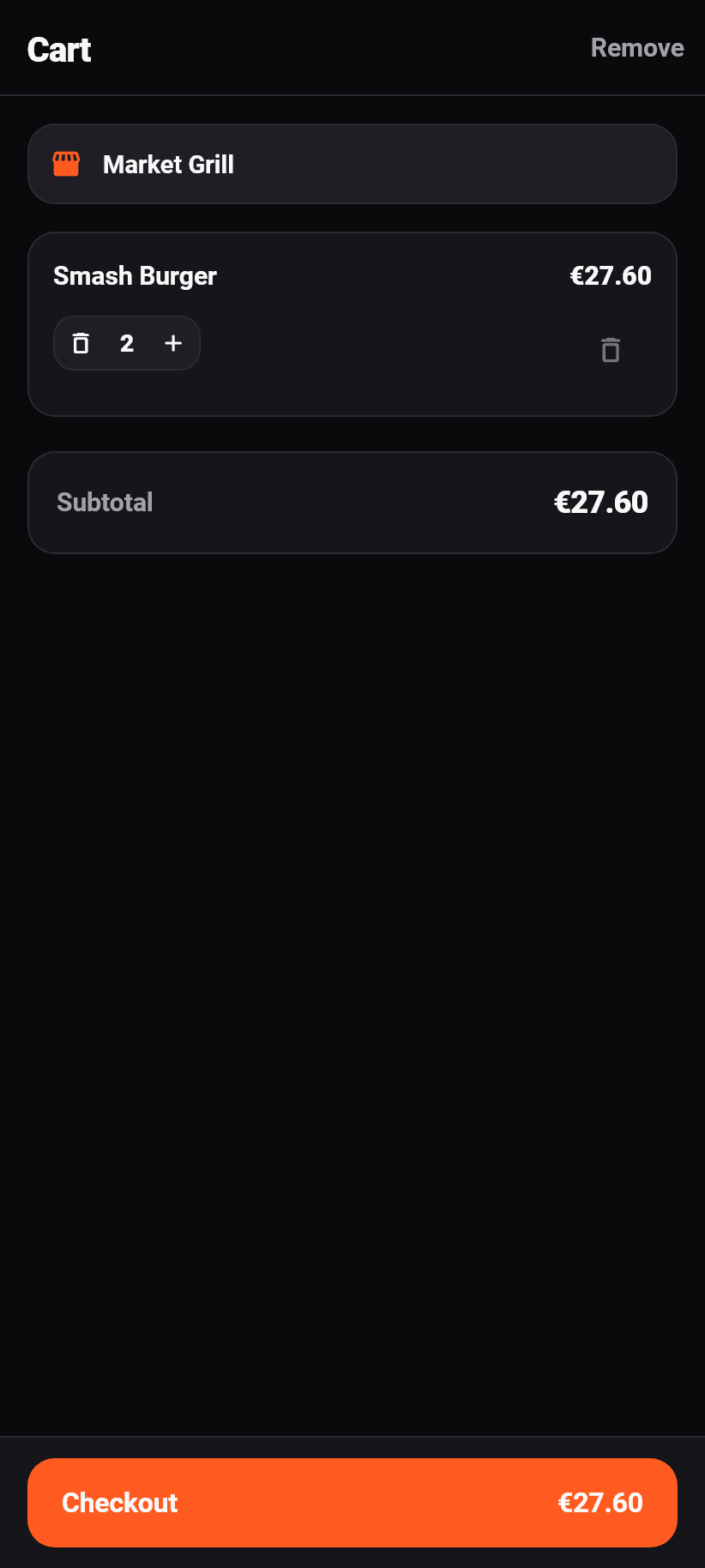
One restaurant at a time, and the header says which. Anybody wanting to add something from another place is asked whether the current basket should be replaced, and gets the reason with it: every restaurant is paid separately.
Per item the quantity can be changed or the item removed entirely. Below that the subtotal, and the button at the very bottom carries it.
The basket survives six hours, even if the app is closed in between.
Checkout
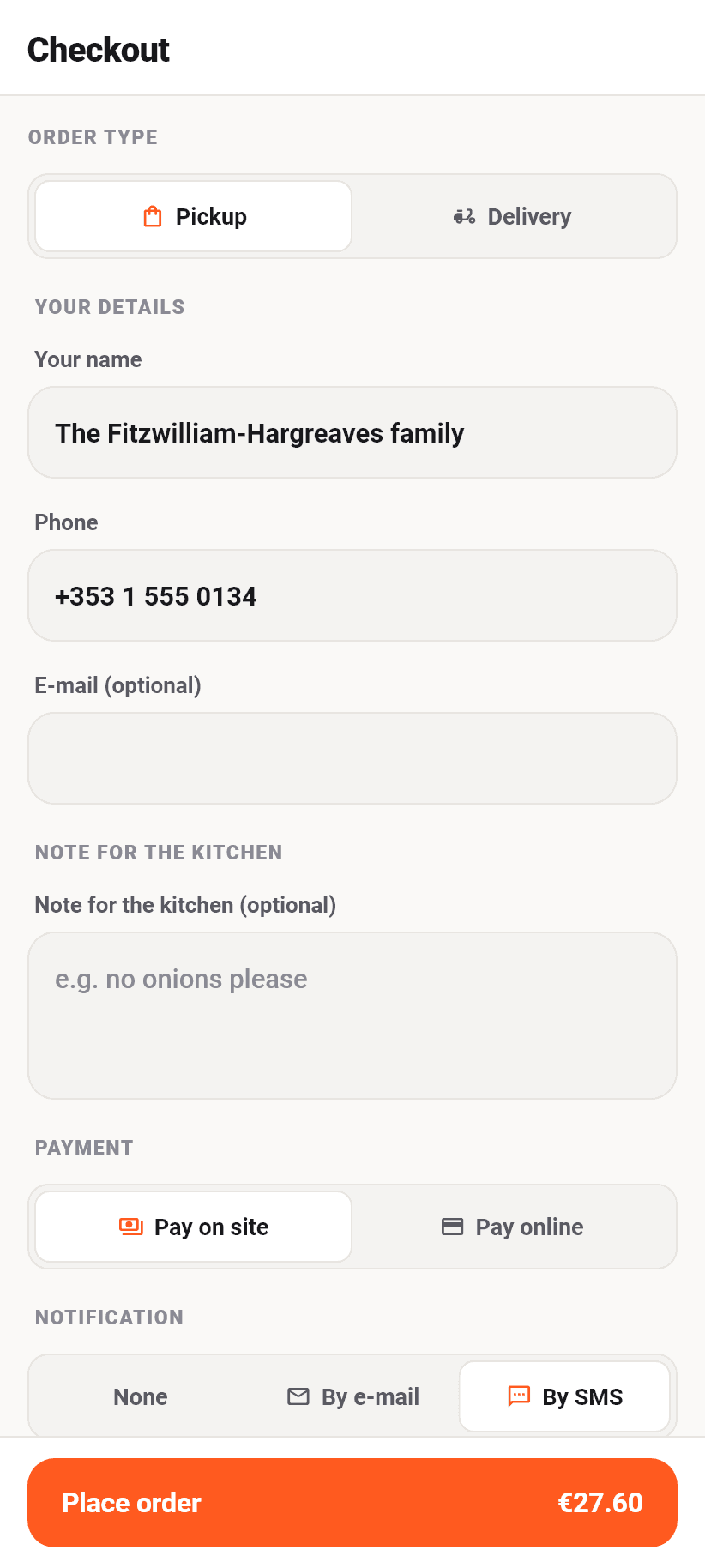
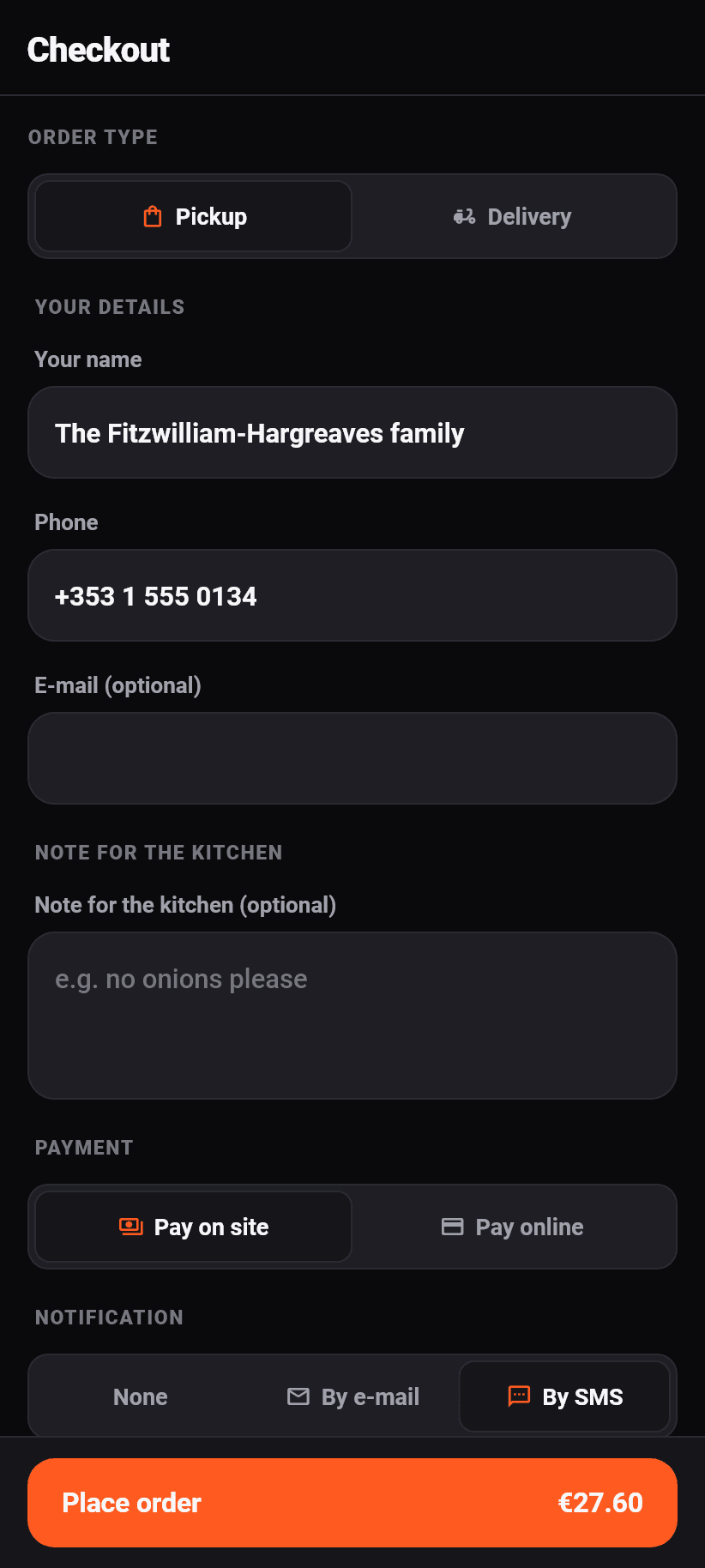
At the top the ordering channel, so pickup or delivery, then the time: as soon as possible or a chosen time. The selectable times are worked out by the server from opening hours, delivery hours and lead time; the app does not invent them.
Which details are required depends on the order, and every missing one gets its own message. The phone number is required for a delivery and whenever you want to be told by SMS. The e-mail address is required when you want a mail. The name is required except at a table, where the table's label is the name the kitchen needs.
For a delivery the address field suggests addresses as you type. Take a suggestion: the coordinates hang off it, and without them there is no saying which zone you fall into. Delivery fee and minimum order therefore only appear once the address does, and until then checkout says “depends on address”.
Below that the note for the kitchen, the payment method and the question of whether and how you want to be notified. The button at the very bottom says “Place binding order” and carries the total.
With online payment you leave the app and pay at the provider in the phone's browser. There is no payment module in the app, no card details anywhere near us, and the order does not reach the kitchen until the payment is confirmed.
⚠️ The server recomputes every order in full: prices from the database, opening hours, zone, minimum, availability. What this page shows is a preview, not a promise; the promise comes with the answer.
After sending it off
The app confirms with the order code and leads straight into the tracking. That code is what an order without an account is found again by.
Right after it comes the offer to create an account. It is there because the name, the phone number and the address have just been typed and the account is one tap away from here. “Not now” is a full answer and changes nothing about the order.
Following the order
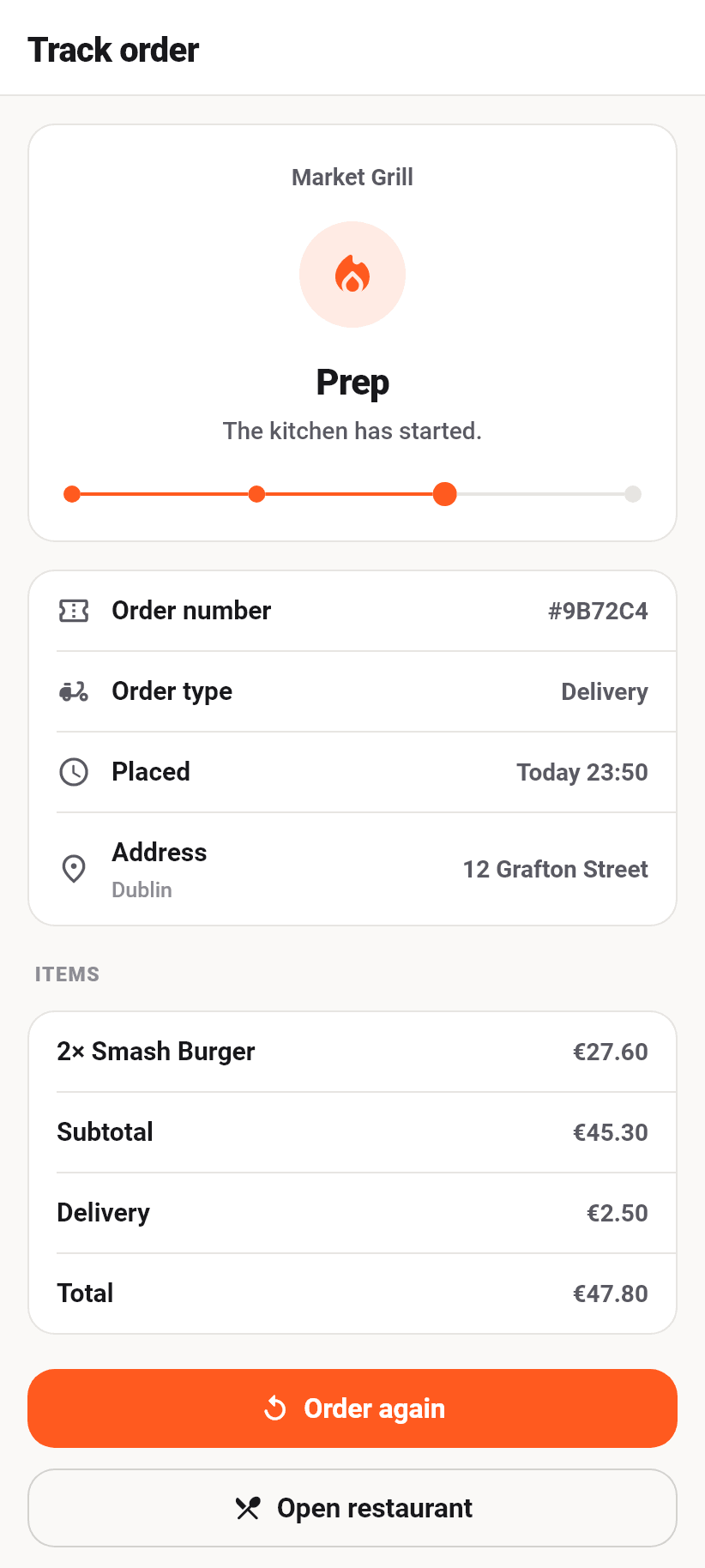
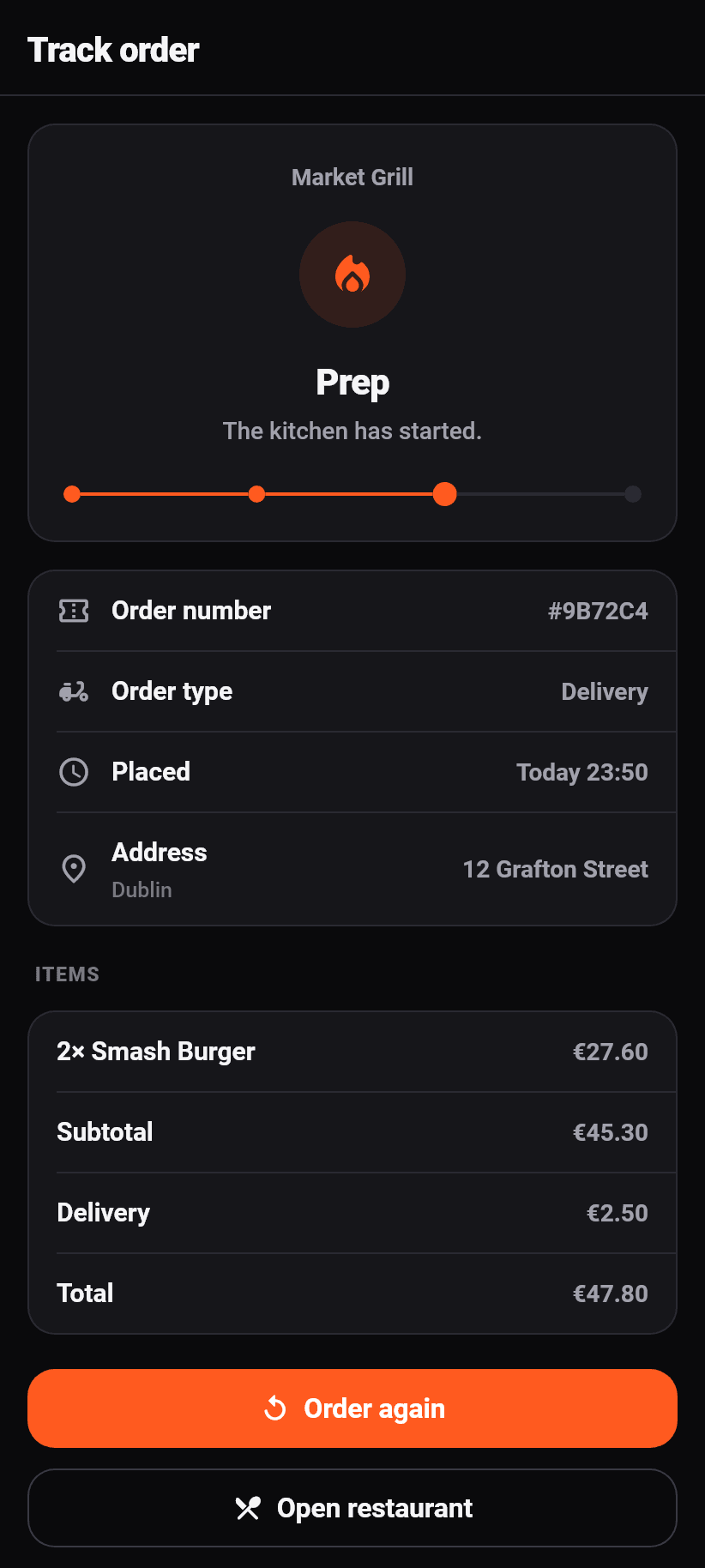
The state as a word and as a sentence: “Being prepared” and under it “Things are starting in the kitchen”. The progress below shows how far along it is. On a finished order, pickup says something different from delivery, because picking up and waiting are two different things.
Below that the order number, the channel, the time it was placed, the delivery address, the items, the subtotal, the delivery fee and the total.
The page refreshes every fifteen seconds and stops as soon as the order is completed or cancelled. A timer that keeps firing after that is the classic reason an app drains a battery overnight.
Two buttons lead on at the bottom: place the same order again, or open the restaurant.
My orders
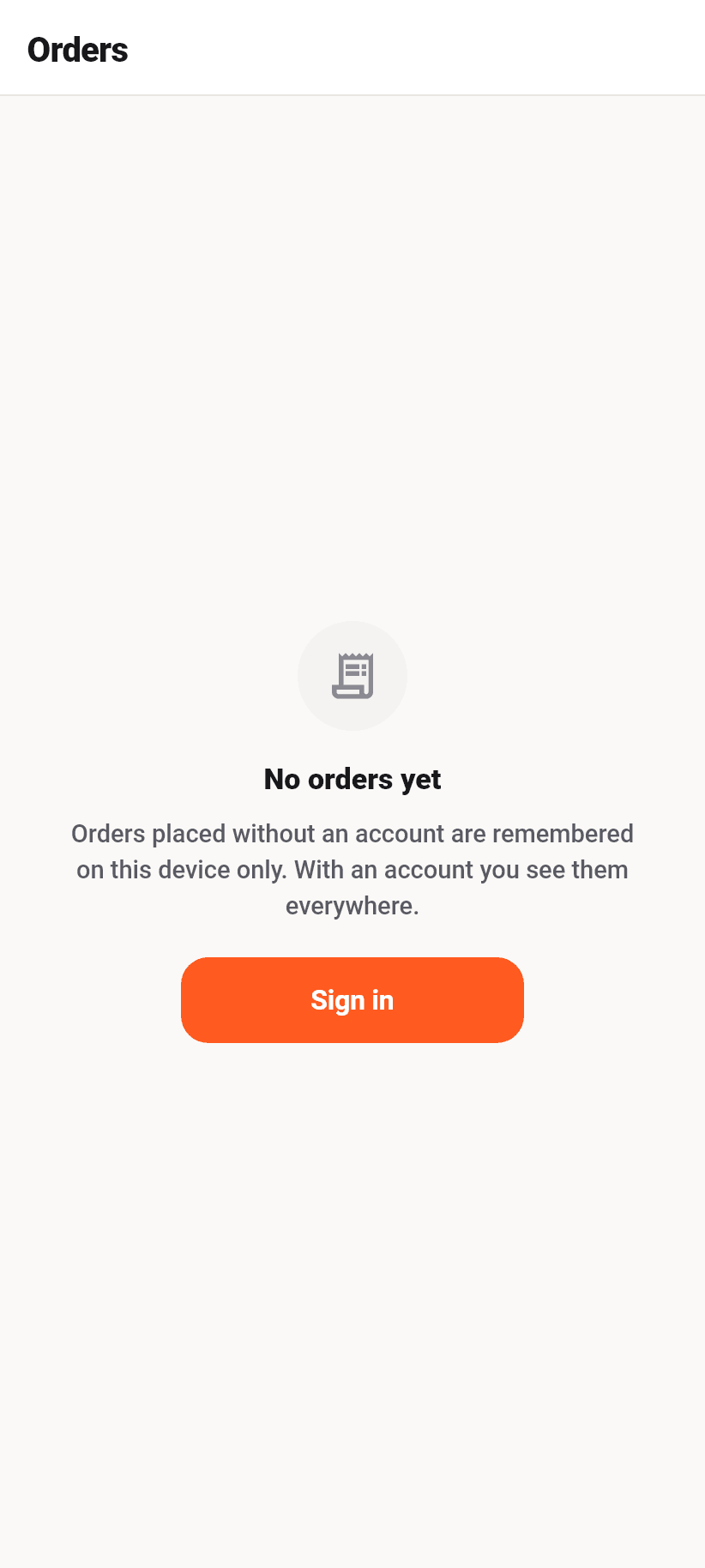
With an account, the history across every restaurant is here. Without one, the orders this device has remembered.
⚠️ Orders without an account live on this device only, and the app says so at this spot. Changing phones does not take them along.
Anybody signing up later sees both: the new ones under the account and the old ones under “Before your account”. An account created after an order does not own it retroactively, but the receipt stays useful all the same.
“Order again” rebuilds the old order against today's menu. What no longer exists is named rather than counted: “there is no schnitzel any more” can be answered, “1 dish missing” cannot.
Favourites
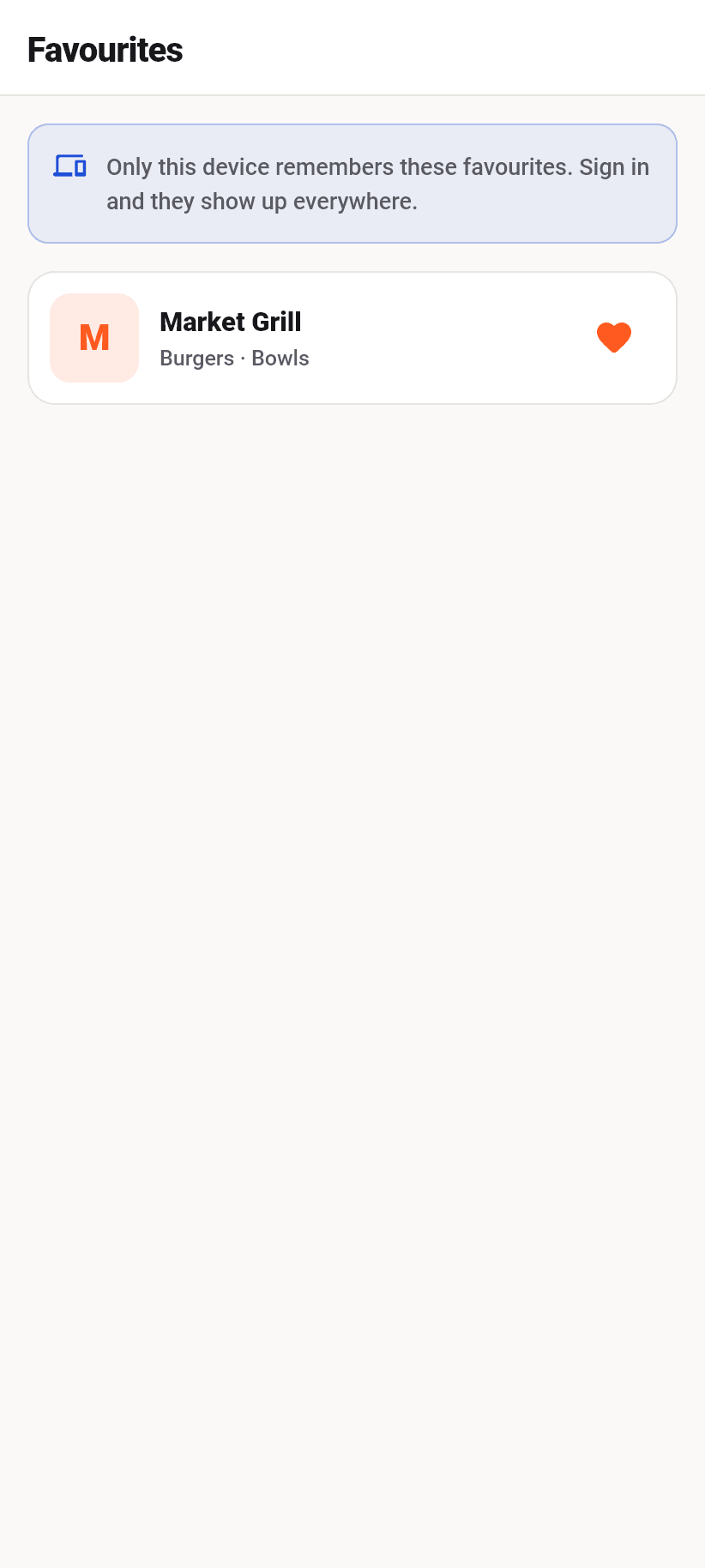
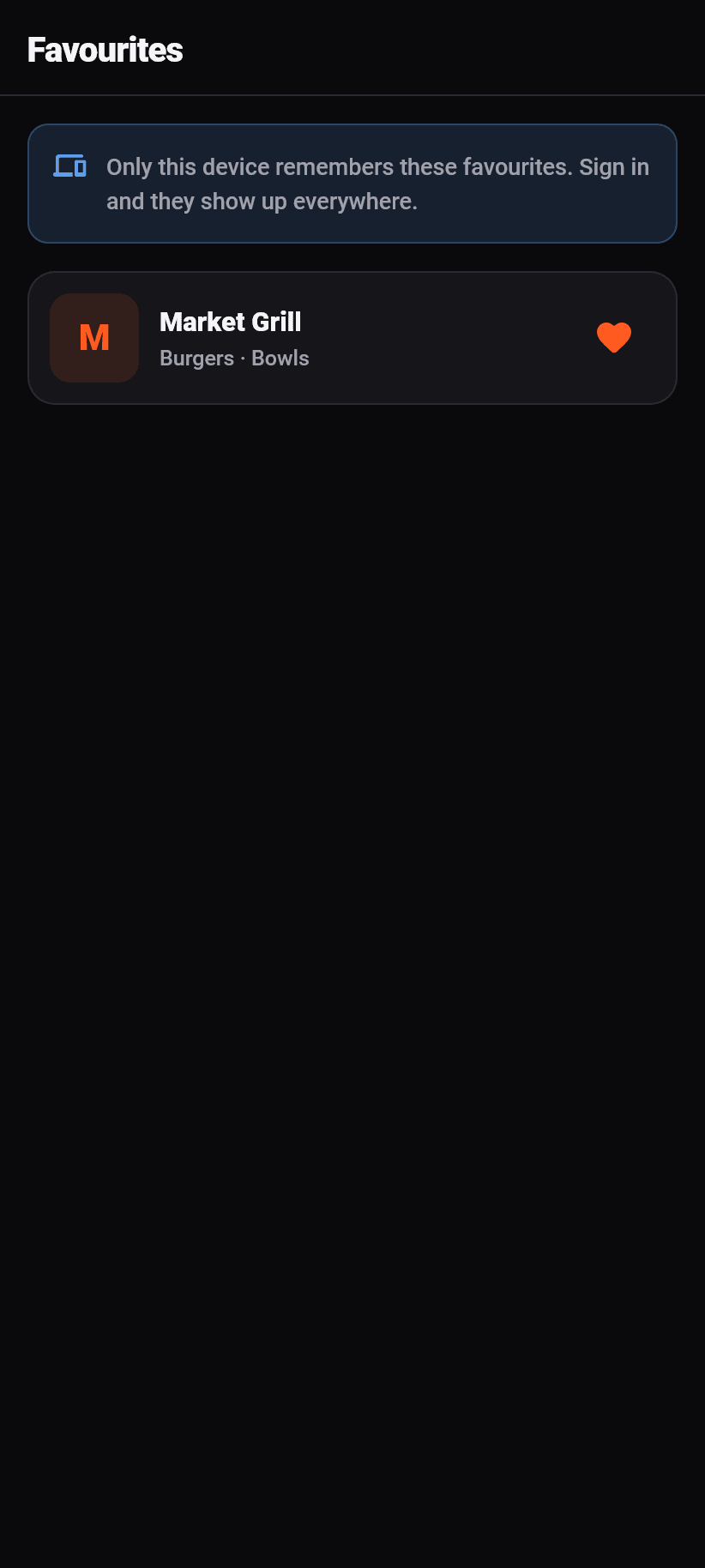
The heart on a restaurant card needs no account. The device remembers the list, and anybody signing in later gets both lists merged, never replaced.
A favourite whose restaurant is paused stays in the list, greyed out and labelled. Letting it disappear quietly would leave the guest wondering whether they imagined it.
Stamp cards
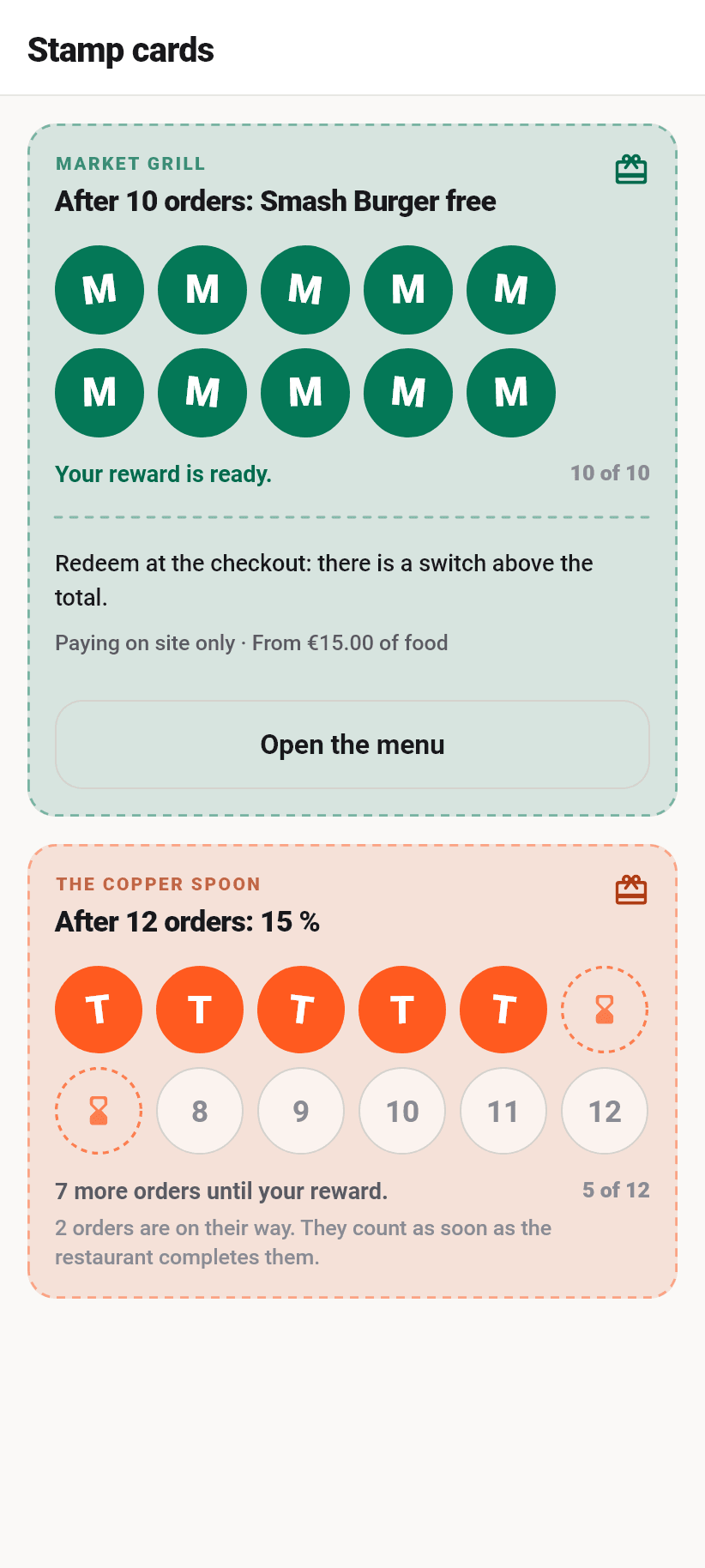
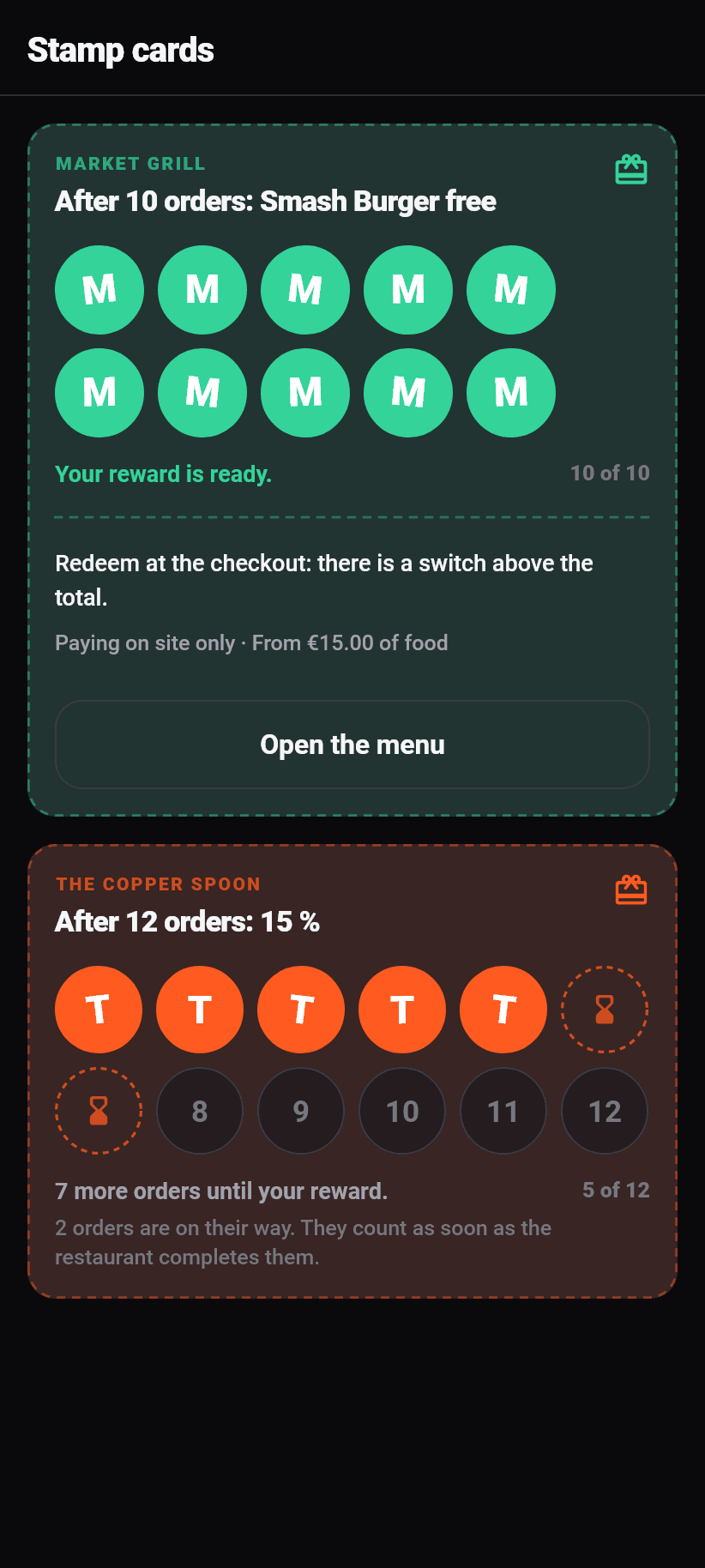
Every card in one place, with where you stand at each restaurant. The full card is at the top, and each one leads into that restaurant's menu with a tap.
On a card, stamped fields are filled, dashed ones belong to orders still running, and empty ones are what is still missing. A running order counts only once the restaurant has completed it, and the card says so.
Redeeming happens at checkout: there is a switch above the total there. Depending on the restaurant the reward applies only when paying on site and only from a minimum order value; both are written on the card.
⚠️ Stamps are only given for orders placed through the app with a customer account. Nobody can sign in on the ordering page in the browser, so nobody collects there.
Account
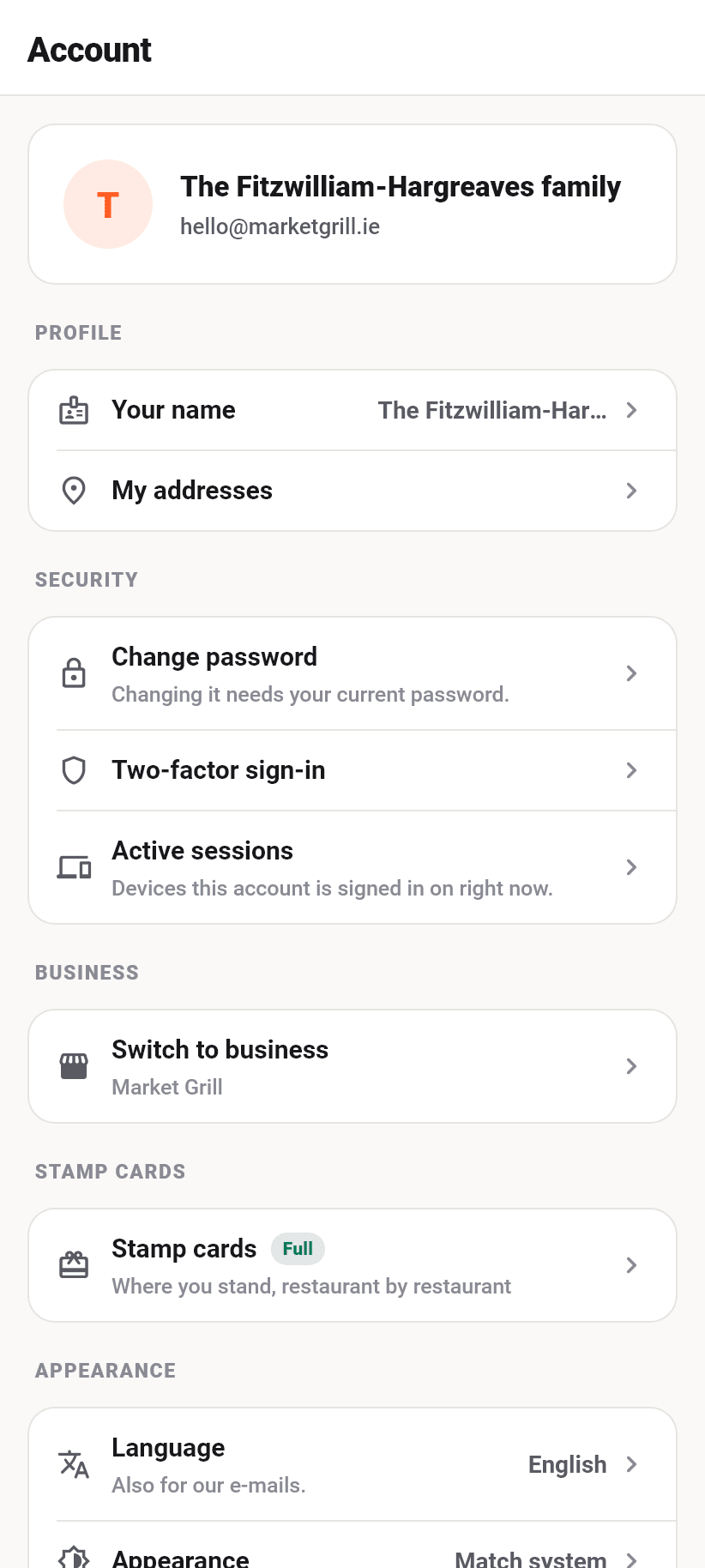
Signed out, this tab shows what an account would give you and the way in. Signed in, this is where the profile, the saved addresses, the stamp cards, the language and the appearance are.
Below them the legal notice, the privacy policy and the terms, each in the language the app is set to, and the switch “Can we count visits?”. Without consent nothing is measured, not even anonymously.
If a restaurant belongs to your account, the “Switch to your restaurant” button is right at the top. To go back, use More, Account, “Switch to marketplace”.
Deleting the account works here, with the same proof as on the restaurant side.
Still unclear? Ask the assistant at the bottom right or write to us